

Can IPTV Work on Multiple Devices? Complete Guide

Yes, IPTV can work on multiple devices at the same time, depending on your subscription plan. Most providers allow 2–5 connections at once, while premium plans can offer even more. This lets families watch different channels on TVs, phones, tablets, and computers without issues.
Sharing IPTV across devices makes sense for busy households. Here’s how it works and what you should know.
How Multi-Device IPTV Works
Your IPTV account comes with login details. These details work on any compatible device. Each device connects to the same server using your username and password.
The provider tracks how many devices are streaming at once. That’s how they enforce your connection limits.
This means dad can watch sports on the living room TV while the kids enjoy cartoons on their tablets. Everyone can watch different things at the same time.
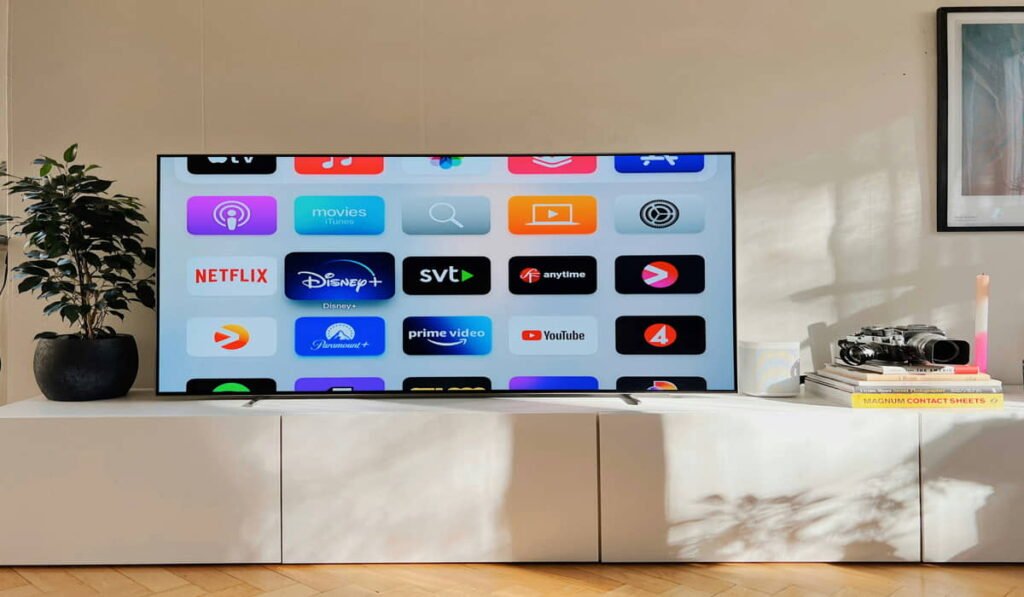
Device Connection Limits
Basic IPTV plans usually allow 2–3 devices to stream at once. This works well for couples or small families.
Premium subscriptions often include 5–10 connections. Larger households need these to avoid conflicts.
If you go over the limit, the oldest device usually gets kicked off. The last device to connect takes priority.
Benefits of Multi-Device IPTV
Providers like IPTV Dubai Hub offer flexible multi-device IPTV plans in Abu Dhabi and Dubai. Their premium packages allow up to 8 simultaneous connections.
Local servers in Dubai give faster streaming with less buffering. That means smoother viewing across all devices.
Compatible Devices
- Smart TVs – Samsung, LG, and Sony TVs support popular IPTV apps.
- Smartphones and tablets – Kids can watch their own shows.
- Computers and laptops – Good backup option when TVs are busy.
Setting Up Multiple Devices
- Download the IPTV app on each device.
- Enter your login details exactly the same.
- Test each device separately before using them all together.
Popular apps include IPTV Smarters Pro and TiviMate.
Managing Family Viewing
- Create favorite channel lists for each family member.
- Use parental controls for kids’ devices.
- Schedule viewing times if you have limited connections.
Internet Requirements
- Each device needs about 5 Mbps for HD.
- Four devices need at least 25–30 Mbps internet speed.
- WiFi range matters, make sure signals reach every room.
Cost Considerations
Multi-device plans cost more but save money compared to buying separate subscriptions.
Prices per device usually drop as you increase the number of connections.
Think about how many devices your family really uses before paying for the maximum plan.
Popular Household Setups
- Living room TV for family shows.
- Bedroom TV for parents.
- Tablets for kids.
- Kitchen tablet for cooking.
- Outdoor TV or projector for parties.
Connection Management
- Most IPTV apps show which devices are connected.
- Log out unused devices to free space.
- Change passwords if too many people share your account.
Troubleshooting Multi-Device Issues
- “Maximum connections reached” → someone must log out.
- All devices slow → check internet speed.
- One device fails → restart or update the app.
Travel and Portable Viewing
- Tablets and phones let you watch anywhere with internet.
- Hotel WiFi may block IPTV → use mobile data or VPN.
- International access may face restrictions.
Quality Differences Across Devices
- Large TVs show quality issues more than phones.
- Older devices may struggle with HD.
- Wired connections are better for big TVs.
Security and Privacy
- Use strong passwords and don’t overshare them.
- Avoid logging in on public devices.
- Log out when selling or giving away devices.
Future-Proofing Your Setup
- Buy devices that support the latest IPTV apps.
- Plan ahead as your family grows and needs more connections.
- Consider smart home integration for convenience.
Final Thoughts
IPTV works on multiple devices and fits perfectly into modern family life. The key is choosing the right subscription plan with enough simultaneous connections. Whether it’s for a couple, a small family, or a big household, multi-device IPTV makes sure everyone gets to watch what they want.